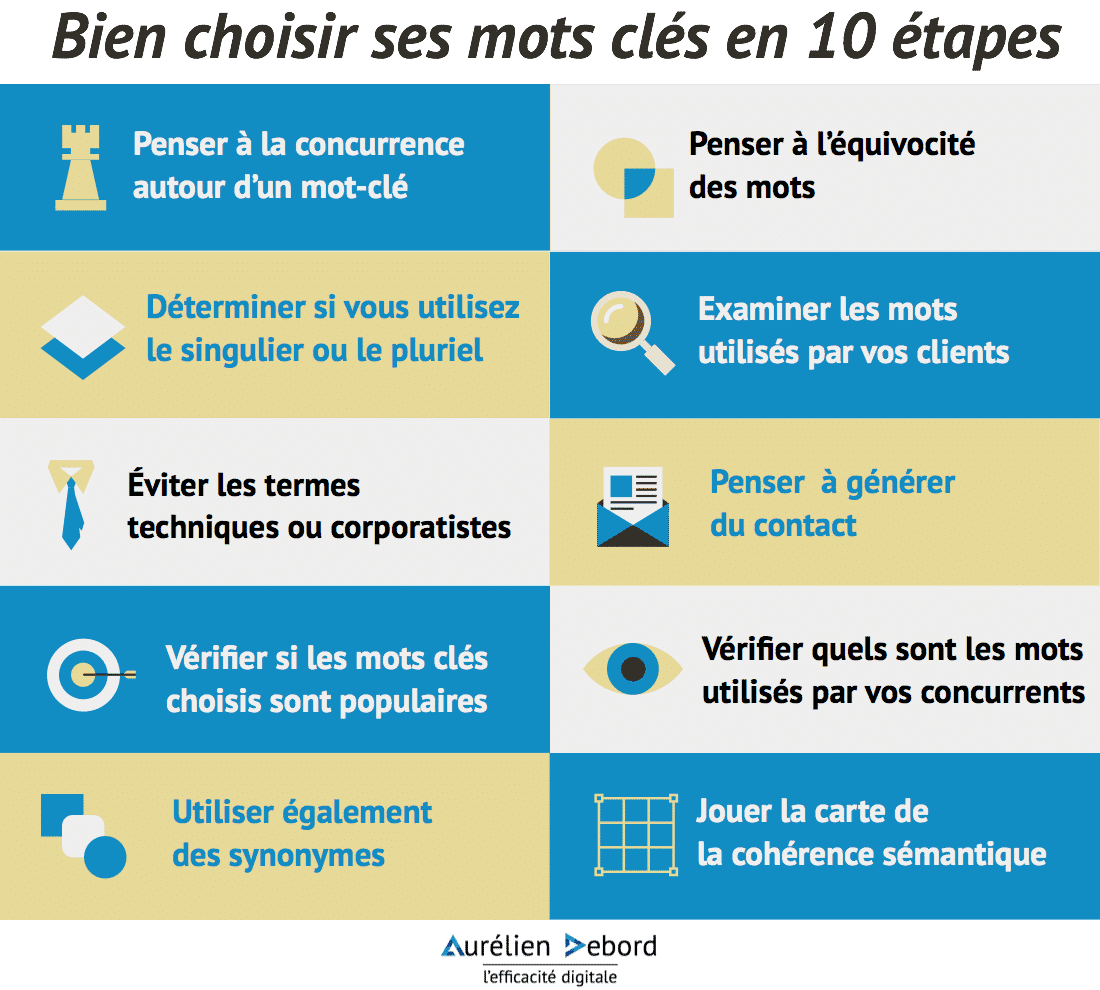
Choosing your keywords can sometimes be more complicated than it seems. Determining which words you want to focus your message on often requires time and consideration of numerous criteria. The implications of this choice are significant for the natural referencing of your website, as it is through these expressions that users will be able to find you. I offer you a list of 10 steps to choose your keywords thoughtfully and coherently.
1 – Consider the competition around a keyword
The first step is not to aim too high and set yourself up for failure. You have to consider the feasibility of your ranking. Don't try to rank first for the keyword "car" with a new site. It won't happen. When choosing your keywords, think about the other sites that want to rank for them. If there are many well-established ones, you are better off choosing alternative words, which might bring you slightly less traffic but on which you can actually be visible.
2 – Consider the ambiguity of words
Next, it involves working on language. In other words, it's about understanding the meaning of the chosen words and what they imply depending on their context. You must select your keywords to avoid competing with other industries that also use them. For example, if you sell soccer balls on your site, you might want to appear for the query "ball." However, a ball could be a soccer ball, a basketball, an inflatable ball, a water heater, or even the Ballon d'Alsace! The best way to avoid this ambiguity is to choose your keywords more restrictively; to clearly focus your content on the query "soccer ball" and not just "ball." Good to know: most queries on Google are more than 3 words long, so don't limit yourself to just one.
Ready-to-Publish Articles with One-Click AI
Free up time and gain consistency: we assist you in setting up an AI-automated writing workflow tailored to your editorial strategy.
Regarding the chosen expressions, you also need to determine whether you want to use them in singular or plural form. Be aware that a keyword with or without an "s" is not the same thing.
Cane with or without an "s"?
4 – Examine the Words Used by Your Clients
One of the best ways for your clients to find you on Google is to use the expressions they employ. Even if these expressions are improper or inaccurate, position yourself on them.
5 – Avoid Technical or Corporate Terms
In line with the advice below, do not use technical terms or jargon specific to your field, as your clients may not be familiar with them. If you use technical jargon, your site will only be visited by your peers or competitors.
6 – Consider Generating Contact
While choosing keywords aims to optimize your site's search engine ranking, the ultimate goal of SEO is to generate inbound contacts. Therefore, think about the keywords that will lead to contact generation. Consider the user typing their query and at what stage of need they are. For instance, if you have an e-commerce site selling cameras, it is much more beneficial to optimize for queries like "canon eos 600d" rather than "camera." Why? Because a user typing the exact model name has chosen their model and is ready to purchase. Someone who only types the generic term "camera" is in a comparison phase, making them a less "mature" prospect, further from the purchasing decision.
7 – Check if the Chosen Keywords are Popular
Choosing keywords also involves ensuring their popularity. If we had to mention just one tool, it would be Google's Keyword Planner. A quicker way is to use Google's suggestion tool when you start typing a query. For those who want to go further, there are tools like Übersuggest or SemRush.
8 – Check Which Words Your Competitors Use
It is always useful to leverage the work of others. A perfect maxim for choosing your keywords. Look at the keywords your competitor sites are using. They have already gone through this step, so you can see their conclusions for free. Pay particular attention to the keywords used in the Title and Description tags.
9 – Also use synonyms
Even if you have chosen specific expressions, be sure to alternately use synonyms so that your text does not resemble spam.
10 – Play the semantic coherence card
Finally, in content creation, ensure that you create content revolving around the universe of your keywords, even if your keywords do not explicitly appear. For example, if you sell cameras, it is coherent to create content on "photography," even if the keyword "canon eos 600d" does not appear. This provides Google with a coherent semantic structure.