When launching the creation of a new website, there's often a desire to be online quickly. However, creating a site requires a certain amount of time that cannot be compressed, and you can't be online overnight. Unless... you put up an "under construction" page. Far from the outdated imagery of a blank page with a construction worker illustration, today you can create very attractive under construction pages for your website. And it comes with real advantages.
Being Online Sooner
This is often the reason that prompts the implementation of an "under construction" page, and it's a good reason. Firstly, because it allows your audience to get to know you earlier and possibly provides them with fundamental information about you: the services you offer and how to contact you.
Secondly, it allows you to benefit from a bit of online precedence. In other words, it enables you to be indexed by search engines sooner than expected. This has a positive impact on your SEO. The age of a site is known to affect its ranking.
Starting the Thought Process
Website creation also rhymes with content creation. And this is often the most sensitive part of the project because its duration is often underestimated. Creating an "under construction" web page will allow you to engage in a content creation process and start thinking about the message you want to communicate.
An Attractive Web Design
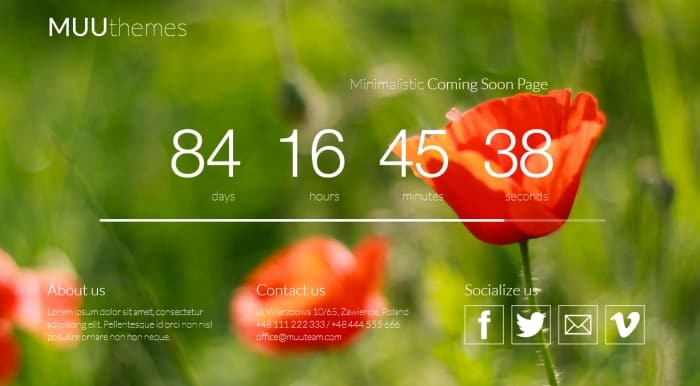
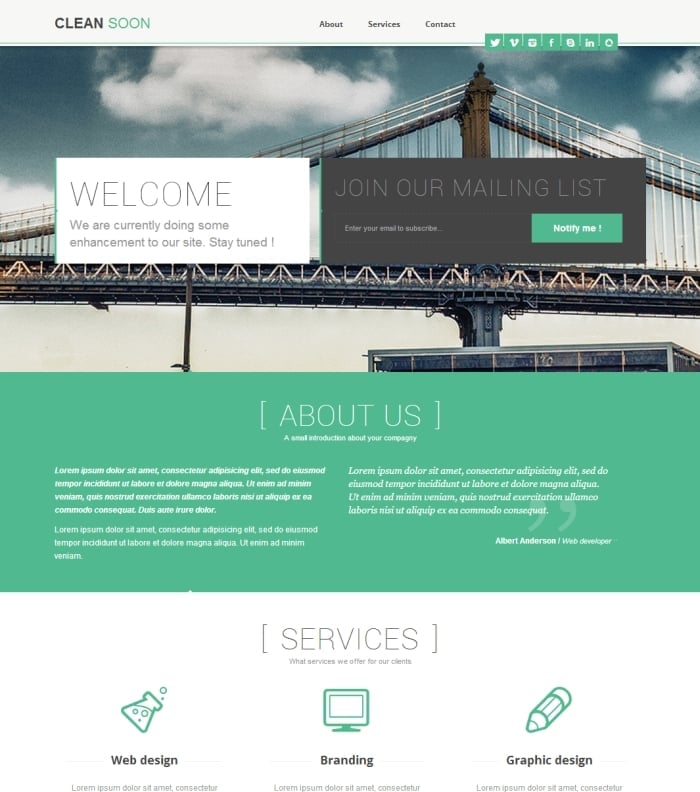
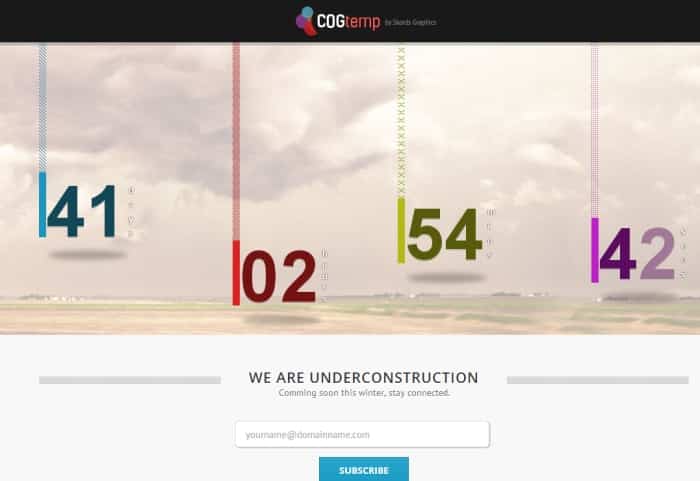
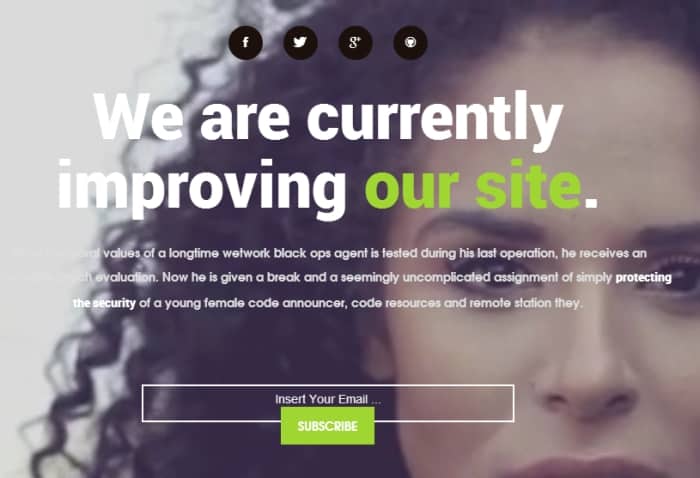
Finally, another good reason to create such a page is that it can be very appealing. Here are some web designs to give you ideas. You'll see that some pages are very elegant.
Features to Add to Your Under-Construction Site
Even if it's just a page, it already allows you to integrate useful features for your visibility.
Collect Emails
First, you can invite your visitors to leave their email so they can be contacted when the site goes live. This will form the basis of your contact list.
You can also add links to your social media profiles and offer the option to share this placeholder page on your visitors' profiles.
Chat with Your Visitors
Finally, you can add a chat module to offer the possibility of engaging in conversation with your visitors, even if the site is not yet complete. If they have questions about your future services or products, you'll be able to answer them right away.
Rarely implemented because it is temporary, a placeholder page for an under-construction site is nonetheless a useful way to maintain a presence and gain visibility before a website goes live.




